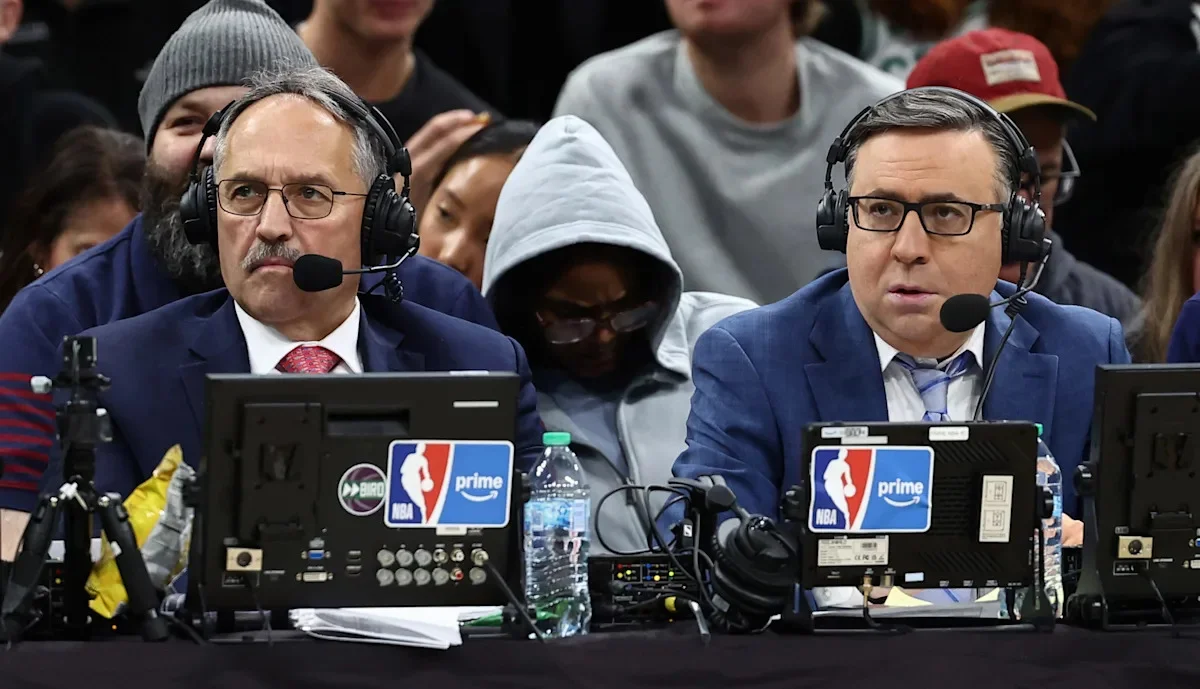
Prime NBA games and League Pass are different purchases
Watching NBA basketball in Prime Video can mean two different things: opening an NBA game included in the Prime national broadcast package, or watching a game through a separately subscribed NBA League Pass package. They can appear in the same app, but having Prime does not automatically mean you have League Pass. Start by identifying which entitlement the game requires.
This distinction matters when searching for “NBA League Pass price Amazon.” A Prime membership price, a League Pass monthly price and a short promotional price are not interchangeable. You may already have the access required for one featured national game while still needing another package for out-of-market regular-season viewing. Conversely, buying League Pass does not turn every broadcaster's game into an included live stream.
Start with the game you want to watch
Find the matchup in the NBA TV schedule and check the viewing information for your location. If it is a Prime national broadcast, inspect the access shown on that game's Prime Video page. If it is a League Pass game, inspect the League Pass package attached to your account. If a local service holds the rights, the fact that the game is visible in an NBA carousel does not establish that your existing subscription covers it.
Imagine a fan following the Warriors across a week of national and regional games. The app icon may stay the same while the subscription needed for a particular night changes. Organizing your viewing around the game page helps avoid buying a second package simply because the first screen displays a subscription button. Read the package label and the account status before accepting that button as the answer.
Amazon's NBA viewing guide presents League Pass as another available subscription alongside its NBA coverage. This article focuses on buying and linking that add-on as checked on October 13, 2026. Prices and country availability must still be checked in your own Amazon storefront. The goal is to keep the entitlement, the app used to watch and the company taking payment clear from the beginning.
Compare the full price before adding League Pass
Check the League Pass listing while signed in to the Amazon account and country storefront you will use. The relevant price is the one offered for your package, billing period and account. The NBA's Amazon help page sends customers to Prime Video's purchase page for available options rather than publishing one worldwide League Pass price.
For context, Amazon's US sports guide lists Prime at $14.99 per month or $139 per year as checked on October 13, 2026. Those figures are Prime membership prices, not the League Pass add-on price. If you already pay for Prime for other reasons, the new basketball cost is the additional package you choose. If joining specifically for basketball, include any required underlying membership in your total.
Read the renewal price as carefully as the offer
A trial or introductory promotion needs three entries in your budget: what is charged now, how long that rate lasts and what happens afterward. A low first-month amount cannot be multiplied across an entire season unless the offer explicitly keeps that rate. Record the trial deadline or renewal date before confirming, and check whether taxes are included in the displayed total.
We do not quote a universal Amazon League Pass price here because a stable, account-independent checkout amount was not available for verification. Open the live listing instead of treating an old screenshot or a previous season's sale as today's offer. A price comparison is useful only when both offers are actually available to you on the same day.
Compare the same package and billing term
Place the Amazon offer beside the NBA.com offer and match the product first: League Pass, Premium or a single-team option where offered. Then match monthly versus season-long billing. Finally compare supported features, promotion eligibility and renewal handling. Paying less for a different package is a choice, but it is not evidence that the same product is cheaper.
Use a simple worksheet: initial charge, later monthly charge, number of months you expect to keep it, any separate membership cost and cancellation deadline. For a season plan, use the full quoted season amount. Do not assume that an NBA.com student code or another provider's coupon can be entered in Amazon's checkout. If a promotion is central to your decision, verify its redemption destination before buying.
Existing subscribers should check account linking before considering a second purchase. If your current entitlement can be recognized in Prime Video, changing the viewing app may not require buying the package again. This can be a larger saving than choosing between two introductory offers while accidentally keeping both subscriptions active.
Link your NBA ID and Amazon account
Current official guidance supports account linking in both directions in eligible markets: an Amazon-purchased League Pass subscription can be recognized in the NBA app, and an eligible existing NBA subscription can be connected for watching in Prime Video. Older advice that linking is impossible, or works only one way, should not be used as the reason to buy another subscription.
- Check that your existing League Pass subscription is active and identify the account that owns it.
- Open the official NBA and Amazon account-linking page in a browser.
- Sign in with the intended NBA ID, then follow the prompts to connect the correct Amazon account.
- Complete the authorization flow and review the linked-account status.
- Open an available League Pass game in the app you want to use and test playback.
The NBA also documents a route from its app through account or subscription controls and a Prime Video linking option. Screen labels can change, so use the current NBA linking instructions if the browser shortcut or app layout differs from what you see. You should be authenticating an existing purchase, not being asked to invent a new paid entitlement to finish the connection.
Be deliberate if a browser is already signed in to a different Amazon account. The account on your living-room TV, the account used for shopping and the one that bought League Pass may not be the same. Check the purchase receipt first, then link the matching account. A successful connection to the wrong account can look like a missing subscription even though the purchase itself is valid.
Linking is a way to recognize access across supported apps; it is not a promise that your payment relationship has moved. Keep the original receipt and billing provider. Amazon's FAQ also states that this connection does not include WNBA League Pass. The NBA describes availability in certain markets, so a link visible in one country's guide should not be treated as proof that every subscription worldwide is eligible.
After testing, record the two connected accounts and the app where playback worked. That small step helps when changing televisions, clearing app data or returning after the offseason. It also prevents a family member from interpreting a signed-out screen as evidence that the household needs to subscribe again.
Choose the app that suits your game night
After linking, test the experience on the device where you watch most games. A service working well in a laptop browser does not prove that an older television supports every feature. Amazon's international League Pass support page describes broad device availability while noting that some older devices lack advanced live-viewing features. The NBA publishes separate support information for its own app.
Live feeds and catch-up viewing
Amazon describes home, away and mobile-oriented streams for League Pass, plus on-demand and condensed viewing. Look at the options on the actual game before assuming every feature appears in every device's player. A fan who follows one team may care most about the familiar local announcing crew; someone checking several games may care more about quickly finding another live matchup.
Multiview is another feature to test rather than assume. Prime Video and the NBA app have their own supported-device lists and interfaces. Multiple games on one screen also differ from simultaneous playback across several devices. Check both limits for the package you bought. A household comparing Premium with standard League Pass should use the published plan details, not infer stream limits from a picture of a multiview screen.
For catch-up viewing, open a finished game and inspect the full replay and condensed options. Use the full game when you want to follow substitution patterns or see how a run developed. Use a shorter version when time matters more than every possession. Confirm availability before building a morning routine around an overnight game, because replay timing and live access do not always match.
A useful personal test takes one live game and one completed game: find the feed, check audio, pause or resume where supported, and locate the replay. Repeat on the television or mobile device you actually intend to use. This gives you a concrete reason to prefer one app without making an unsupported claim that its picture quality or reliability is better for every fan.
Keep today's schedule nearby when switching between apps. It helps distinguish a game that has not tipped off from a failed player, and a final result from a live broadcast still in progress. The subscription can be correct even when the particular game tile is not the one you meant to open.
Know which games still need another viewing route
Account linking does not erase broadcast restrictions. In the United States, League Pass remains subject to local and national blackouts. The NBA directs fans to the appropriate local broadcaster or national service for those games. An Amazon-purchased subscription and an NBA.com purchase do not create different rights merely because their receipts come from different companies.
The NBA's linking guidance also states that Prime-exclusive games remain available through Prime Video and are blacked out on NBA platforms. Linking your accounts therefore does not bring every Prime national game into the NBA app. You may use the NBA app for an eligible League Pass game and Prime Video for a Prime-exclusive game on another night, even with the same accounts connected.
Travel introduces another boundary. The NBA says a League Pass subscription linked to Amazon can be viewed on Prime only in the country where it was purchased. Check this before treating a connected account as a travel solution. Access in the NBA app, Prime Video's country rules and a game's local restrictions should be checked separately rather than compressed into a promise that one login works everywhere.
International support pages may describe a broader game offering than US pages. Read their scope before importing that claim into a US buying decision. Likewise, do not infer that a package available in the United Kingdom, Japan or another market is sold on identical terms in your country. The relevant question is the entitlement offered in your own storefront and the service's rules for your present location.
Before paying for another service, identify why the game is unavailable: national exclusivity, a local-team restriction, a country limitation, an inactive subscription or a playback error. Only some of those problems require another broadcast route. Our 2026-27 NBA streaming guide explains the wider viewing map. Use it alongside the game's current listing so you buy access for the basketball you intend to watch.
Manage billing and fix a failed account link
Find the company that took your payment
Manage an Amazon-purchased League Pass subscription in Amazon's subscription settings. Manage a direct NBA.com purchase through the NBA account's plan controls. The app you used for last night's game does not identify the biller after account linking. Your receipt and subscription-management page do. Check them before requesting an upgrade, cancelling renewal or asking about a charge.
For an Amazon add-on, use the subscription management area and select the League Pass entry you intend to change. Do not confuse cancelling that add-on with cancelling the entire Prime membership. Review the displayed access end date and save the confirmation. Refund eligibility, if relevant, should be checked with the provider that processed the payment; linking an account is not a refund request.
Unlinking also differs from cancelling. Removing the connection between NBA ID and Amazon affects the relationship between the accounts. It should not be treated as proof that a paid subscription has stopped renewing. Return to the original billing provider and check the package's actual status if your intention is to end future charges.
Check the link before buying again
The NBA documents two especially useful restrictions: only one NBA ID can be linked with one Amazon account, and linking is unavailable when you already have active subscriptions through both NBA and Prime Video Channels. That means buying a second package to repair a failed link can make the account situation more complicated. Identify the existing subscriptions first.
Work through the basics in order: correct NBA ID, correct Amazon account, active subscription, supported purchase country and no conflicting paid subscription on the other side. Then use the official linking flow again if appropriate. If a previous connection is involved, review the linked-account settings rather than creating additional accounts until one happens to work.
When support is needed, send the provider a concise description with the purchase route, account identifiers, country, device, exact error and the stage where it occurred. Explain whether you can watch in the original app. That separates a valid subscription with a connection problem from a failed purchase or a game-specific restriction.
Once the issue is resolved, test an available game in the intended app and inspect the next billing date in the original provider's account. Keep one clear subscription record. You can then choose the most convenient screen for game night without losing track of what you bought, which games it covers or who will charge you next.
Sign in with Google to join the discussion.