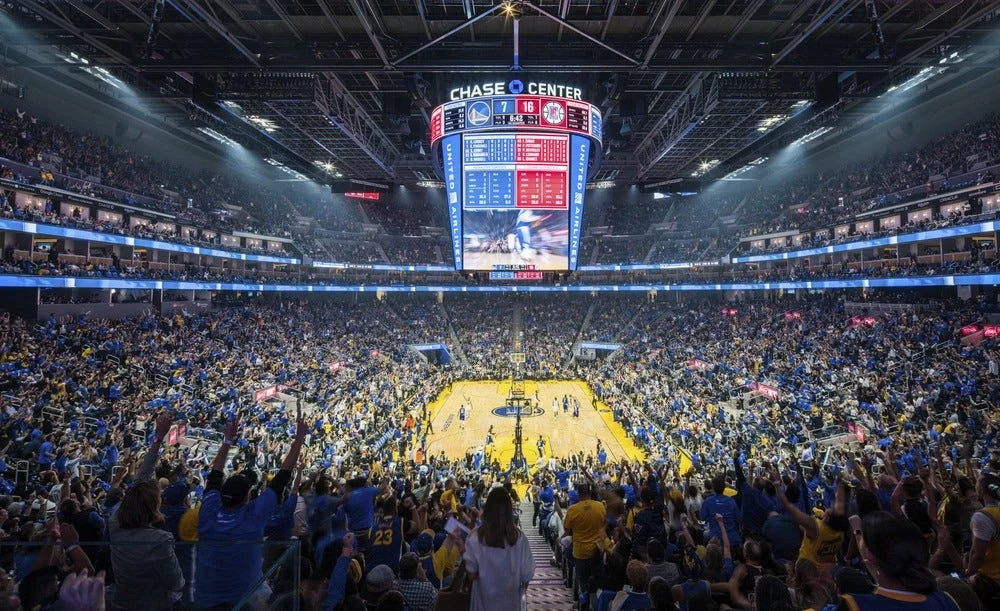
Check the offer in your country before choosing a plan
The NBA League Pass student discount is a verified-student offer for selected monthly subscriptions. As checked on October 13, 2026, the NBA advertises 40% off for 12 consecutive months, subject to eligibility and local availability. Start with your country and the actual package in your account. A search result promising an NBA student deal is not enough to establish that your streaming subscription qualifies.
Who the published student offer covers
The NBA's English help page describes eligible undergraduate and graduate students and directs them to UNiDAYS. The offer is for League Pass Monthly or League Pass Premium Monthly. Being enrolled at a university is only one part of the check: the regional offer, verification result and subscription type also matter. A general UNiDAYS membership does not automatically activate every partner's promotion.
There is a country-list discrepancy worth resolving before you pay. The English NBA page updated October 12 omits the United States and Canada. Older translated NBA pages list both, while the UNiDAYS terms reviewed for the 2026-27 promotion list Canada and India but not the United States. Those differences are a reason to check the offer presented for your location, not to promise that every country has the same deal. If you are in an affected market, ask NBA support to confirm eligibility before starting a full-price subscription in expectation of a later discount.
Use the NBA offer on UNiDAYS with your normal region selected, then compare it with the NBA's student-plan instructions. Keep the region consistent through verification and checkout. A student studying abroad should check the actual arrangement rather than assume that either the university's country or a previous home address settles eligibility.
Also separate basketball streaming from shopping. A page advertising a large NBA sale may concern jerseys, accessories or another retail offer. Before creating an account, look for the exact words League Pass, the monthly package, the redemption destination and the conditions attached to it. That short check is more useful than collecting coupon codes that were never intended to unlock games.
Work out what the discount will actually cost
A percentage discount needs a local starting price. Take the monthly price displayed for your qualifying package, multiply it by 0.60, and compare that result with the amount shown after the code is applied. Currency, taxes and the offer available to your account can affect the final charge. Do not copy a dollar figure from an American buying guide into a budget for a subscription bought elsewhere.
Monthly savings versus a season budget
For an arithmetic example, imagine a qualifying monthly package priced at 20 currency units. A 40% reduction takes it to 12 before any additional tax treatment. Seven paid months at that unchanged discounted rate would total 84; twelve would total 144. Those are examples, not quoted League Pass prices. They show why a large discount and the lowest total season cost are different questions.
Write down how many months you realistically expect to watch. A student who follows several teams through the offseason may value continuous access differently from someone who mostly watches regular-season games between classes. Compare the resulting total with a season package offered in your own checkout. The student code does not turn a season product into a discounted monthly one, and a seasonal sale may follow different conditions.
Do not treat an exam break as an automatic reason to cancel and rejoin. First check the verification and reactivation limits described below. A small short-term saving can become poor value if restarting means losing the promotion. Budget around your viewing habits and the published rules, rather than assuming every monthly subscription behaves like an unlimited pause button.
What Premium changes for your viewing
The NBA describes Premium extras including game downloads and in-arena content during commercial breaks. Feature support depends on the device and market. Think about the screen you actually use: downloadable games may matter on a commute, while a fan watching one live game at a desk may put less value on that feature. Check the supported experience before paying for the upgrade.
Build the comparison around two totals: the discounted price of standard Monthly and the discounted price of Premium Monthly. Compare the difference with features you will use most weeks. A larger headline saving on a more expensive plan is not automatically the better choice. Keep the final checkout confirmation with your subscription records so your next bill can be checked against a concrete amount, package name and renewal date.
Verify your student status and redeem the code
There are two accounts in this process. UNiDAYS verifies student status; your NBA ID identifies the basketball subscription. Keep that distinction in mind when switching between tabs. Completing the first process does not mean that the second account has been billed correctly or that a discount has already been attached.
- Open the NBA offer through UNiDAYS and sign in or create your student account.
- Enter the requested personal and institution details accurately, then complete the verification prompts shown for your school.
- Retrieve the unique code supplied after verification.
- Sign in to the NBA ID you intend to use, choose a qualifying monthly package on NBA.com, and apply the code.
- Check the resulting price and subscription details before confirming the purchase.
The NBA's promo-code guidance says codes are redeemed on NBA.com. Installing the NBA app is a separate step from selecting the correct purchase route. If an app-store payment sheet opens instead of the NBA website's redemption field, stop and return to the documented flow rather than paying twice and hoping the accounts merge afterward.
For verification, follow the method offered to your institution. UNiDAYS support discusses institution email addresses and student identification, but the available prompts can differ. Do not assume that a personal email, a former university address or any document bearing a college name guarantees approval. If your school is missing, use verification support instead of selecting another institution merely to move to the next screen.
Once the code works, save the purchase confirmation and note which NBA ID owns the subscription. A useful record contains the package name, discounted charge, payment route, next bill date and promotion timing. It does not need a screenshot exposing a full card number. You want enough information to identify the purchase if playback later opens under another account.
Test access before the game you most want to watch. Sign in on your preferred supported screen and open content included in the package. This leaves time to distinguish a login problem from a game restriction. A Warriors fan preparing for a late tipoff should not discover during the opening possession that verification succeeded but checkout never finished.
Keep the discount when your subscription changes
Applying a code to an existing monthly plan
If you already have a qualifying monthly subscription, use the NBA ID that owns it. The published student instructions direct subscribers to Manage Subscription, then Manage Plan, where the new code can be applied and confirmed. Its effect begins on the next billing date or after an existing promotion ends. Check that timing rather than assuming the charge you paid yesterday will automatically be recalculated.
Before changing anything, identify who bills you. The NBA's guidance for subscription changes distinguishes direct NBA.com purchases from third-party purchases. A code redemption field in an NBA account does not prove that an Apple, Google or Amazon transaction can be altered there. Ask the billing provider or NBA support about your particular subscription if the expected controls are missing.
A move from standard Monthly to Premium Monthly deserves the same care. The student help page specifically directs existing Monthly customers seeking that change to NBA support. Avoid cancelling the working plan as an improvised upgrade method. Tell support which package you have, which package you want and whether the student promotion is active. That makes the question about the actual entitlement instead of a vague request to make a coupon work.
Renewal and cancellation use different clocks
Your monthly billing date, the promotion's duration and your student-verification anniversary are separate dates. The NBA allows student verification once per year. Cancelling a discounted subscription does not create another verification opportunity before one year has passed from the first verification. A used code is not a reusable ticket back into the same offer.
Set a reminder before the discount term ends and another before the next bill you want to review. If you remain eligible after the term, follow the re-verification process and inspect the renewed promotion in the account. Continuing to be a student is not the same as completing the subscription's discount renewal. Likewise, a promotion ending is not proof that an automatically renewing paid package has stopped.
For a fan on a tight semester budget, the best record is a small calendar entry: account, provider, monthly bill date, promotion end and verification anniversary. Add a note about any support-approved plan change. This takes less effort than reconstructing several months of receipts when a charge changes, and it helps you make a deliberate decision before another billing cycle begins.
Check the games you can watch from campus
A successful student-code redemption changes the price, not the broadcast rights. League Pass access still depends on your market and the particular game. The NBA's blackout guidance says restrictions are determined by the location of the device accessing the service. Moving between campus, home and a trip can therefore change the live viewing question even though the same subscription remains active.
Take a Warriors supporter studying away from home. The useful question is not simply whether League Pass includes Golden State. It is whether the next Warriors game is available live at the student's present location, and whether a national or local broadcaster has the relevant rights. Check the matchup in the NBA TV schedule, then confirm the viewing option offered for your location. A student discount does not remove a broadcaster's exclusive window.
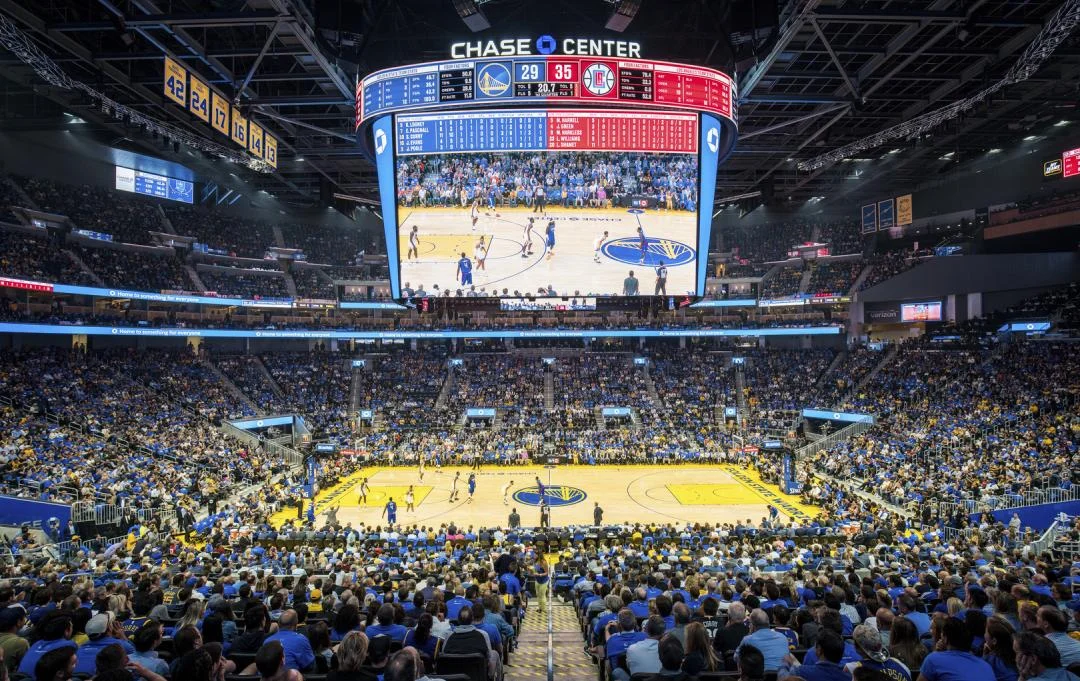
Separate live access from catching up later. Full replays and condensed games are useful when lectures, work or time zones clash with tipoff, but availability can follow a different window from the live broadcast. Use the game details in the NBA app or on NBA.com to check which version is available. Do not assume that a blocked live stream means the full replay will never appear, or that every replay becomes available immediately at the final buzzer.
Choose the format around what you want from the game. A full replay preserves possessions, substitutions and the stretches that explain why a lead changed. A condensed version can fit a shorter break, while highlights give a quick overview. For a fan following a developing rotation or a playoff race, those are meaningfully different experiences rather than interchangeable lengths of the same video.
Build a small weekly watch plan from today's NBA games. Mark the matchups you want live and the ones you can watch later. This is a better measure of value than dividing the subscription price by every game on the league calendar. You are paying for the games and features you can access and actually use, including the nights when your class schedule makes a replay the sensible choice.
Fix verification, billing, or playback problems
Find the first step that failed. If you cannot establish student status, the issue comes before payment. If you have a code but the price does not change, it is a redemption problem. If the subscription is active but a game will not play, investigate the account, device and viewing rights. Treating all three situations as an expired coupon usually sends you to the wrong screen.
Send the problem to the right support team
The NBA directs verification questions to UNiDAYS and code-redemption or viewing questions to NBA customer support. For a payment taken through another provider, keep that provider's receipt available too. Describe the problem in terms that let support identify the failed stage: institution not found, verification not completed, code rejected, promotion missing from the next bill, or an error when opening a particular game.
Prepare a short record before submitting the request: the relevant account email, your region, package name, purchase route, device and exact error message. For playback, include the matchup and whether you were trying to watch live or open a replay. For redemption, include the code only through the official support channel when requested. Never post a single-use code publicly as part of a screenshot asking other fans for help.
Before buying again, check the existing subscription status. Two active purchases can produce two bills without solving the original account mismatch. Sign out and back into the intended NBA ID, review the receipt, and compare the account's package with what you selected. If the code was accepted for a future billing date, a charge at the old rate today may need a timing check rather than another checkout attempt.
Finish with a practical test: verify that the promotion appears in the right account, the next bill is understood, and an available game or replay opens on the screen you use. Keep your calendar reminders for billing and annual verification. With those details settled, you can spend the season deciding which games deserve a late night instead of repeatedly investigating the subscription that is supposed to show them.
Sign in with Google to join the discussion.