Start with the eight-game Christmas timeline
For an NBA fan, the useful Christmas question is which basketball games deserve uninterrupted attention. On Friday, December 25, 2026, five NBA games share the day with three NFL games. You can sample all eight broadcasts, but you cannot watch every possession and every play live. Choose the NBA game you most want to see, then decide how football fits around it.
The NBA's dated season announcement establishes the basketball order below. Times are scheduled starts, checked October 22, 2026; they are not promised finish times. Pacific time is included so a West Coast breakfast game is not accidentally treated as a lunchtime appointment.
| League and matchup | Eastern | Pacific |
|---|---|---|
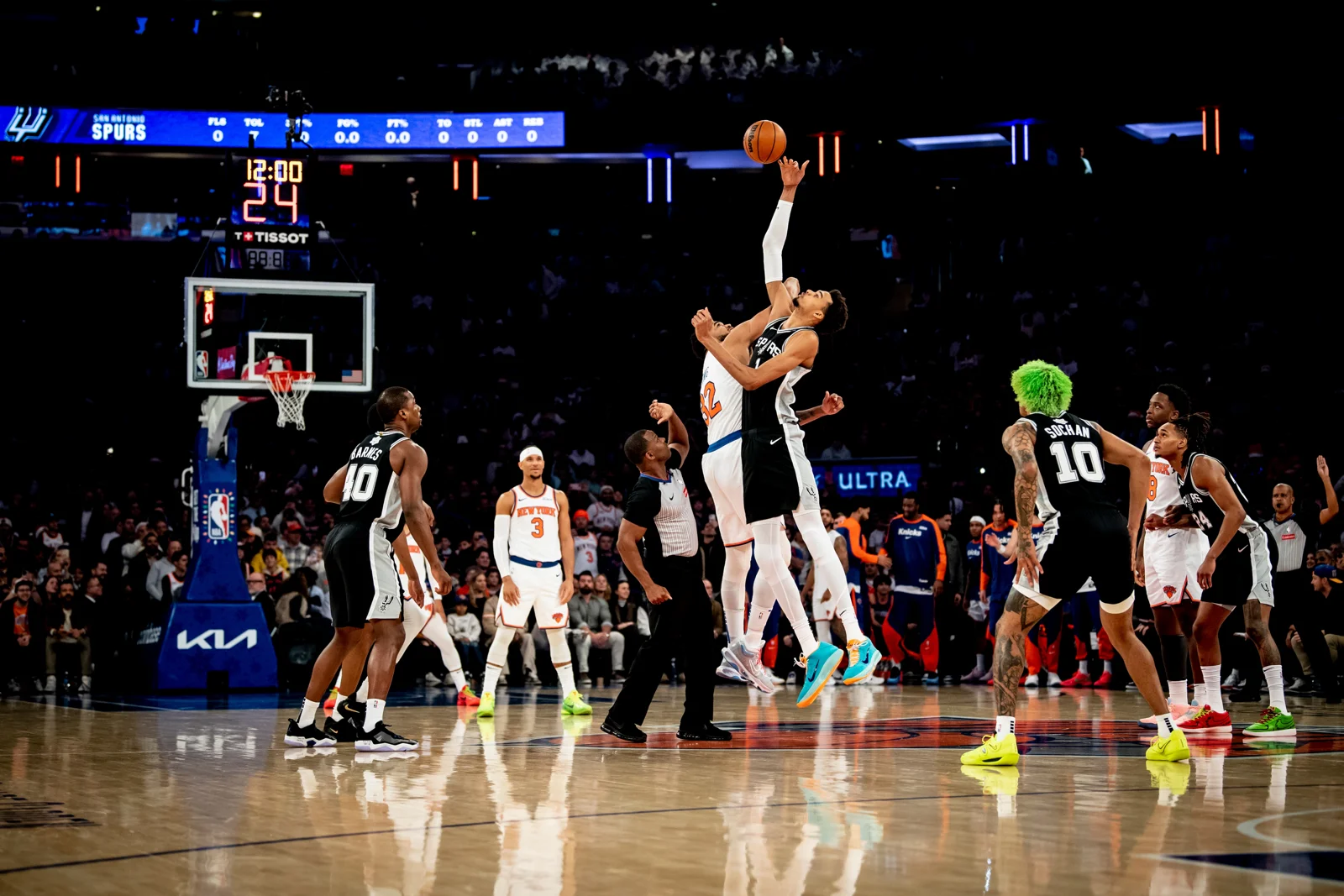
| NBA: San Antonio at New York | Noon | 9 a.m. |
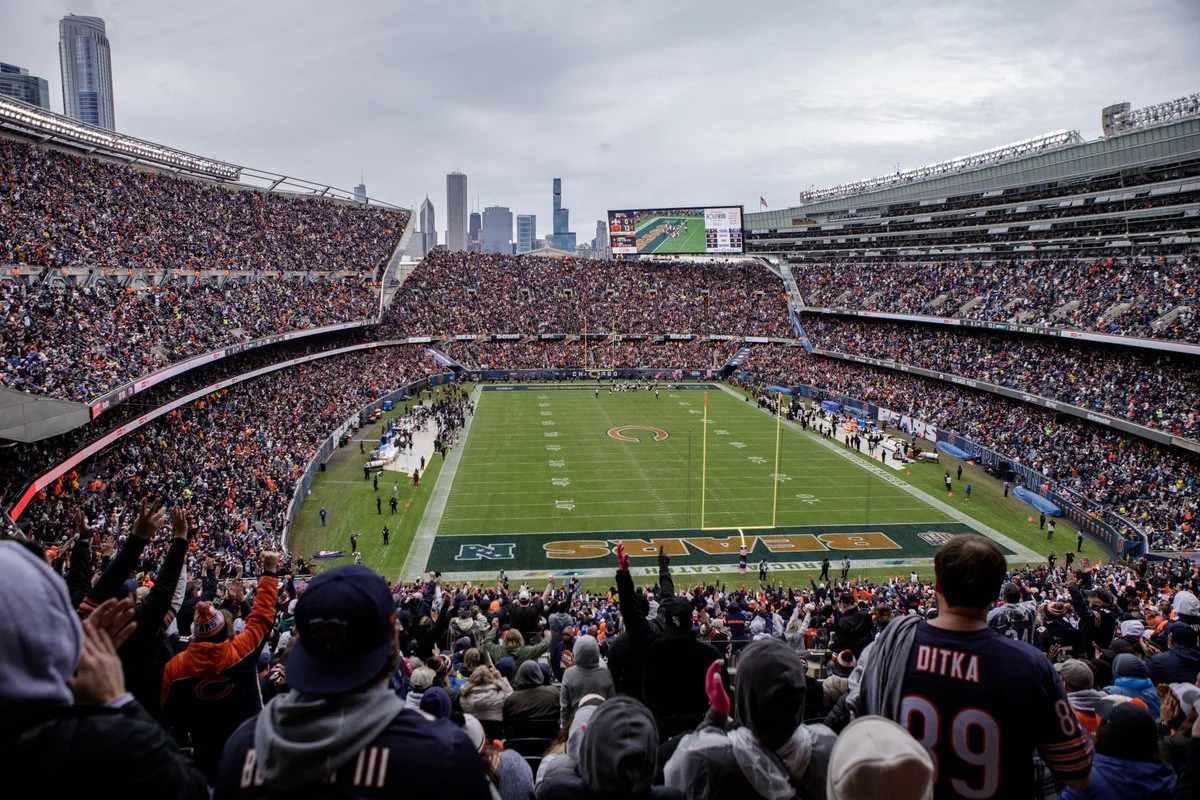
| NFL: Green Bay at Chicago | 1 p.m. | 10 a.m. |
| NBA: Miami at Boston | 2:30 p.m. | 11:30 a.m. |
| NFL: Buffalo at Denver | 4:30 p.m. | 1:30 p.m. |
| NBA: Philadelphia at Los Angeles Lakers | 5 p.m. | 2 p.m. |
| NBA: Oklahoma City at Minnesota | 8 p.m. | 5 p.m. |
| NFL: Los Angeles Rams at Seattle | 8:15 p.m. | 5:15 p.m. |
| NBA: Denver at Golden State | 10:30 p.m. | 7:30 p.m. |
Three timing differences matter immediately. The first football kickoff arrives one hour after the Knicks game begins. The afternoon football game starts only half an hour before the Lakers game. The evening football kickoff follows Thunder–Timberwolves by just fifteen minutes. Those are competing viewing commitments, even if a graphic presents them as a neat sequence.
Read the table vertically and mark one primary broadcast in each part of your day. A New York supporter might protect the entire opening game and follow football scores afterward. A Lakers supporter can make the five o'clock game the centerpiece and avoid starting another full live commitment at four thirty. Neither choice requires abandoning the other sport; it requires a deliberate recording or highlights plan. Treat meals, visitors and travel as appointments on the same timeline, because a technically available broadcast is not necessarily a game you have time to watch.
Decide which NBA possessions you want to protect
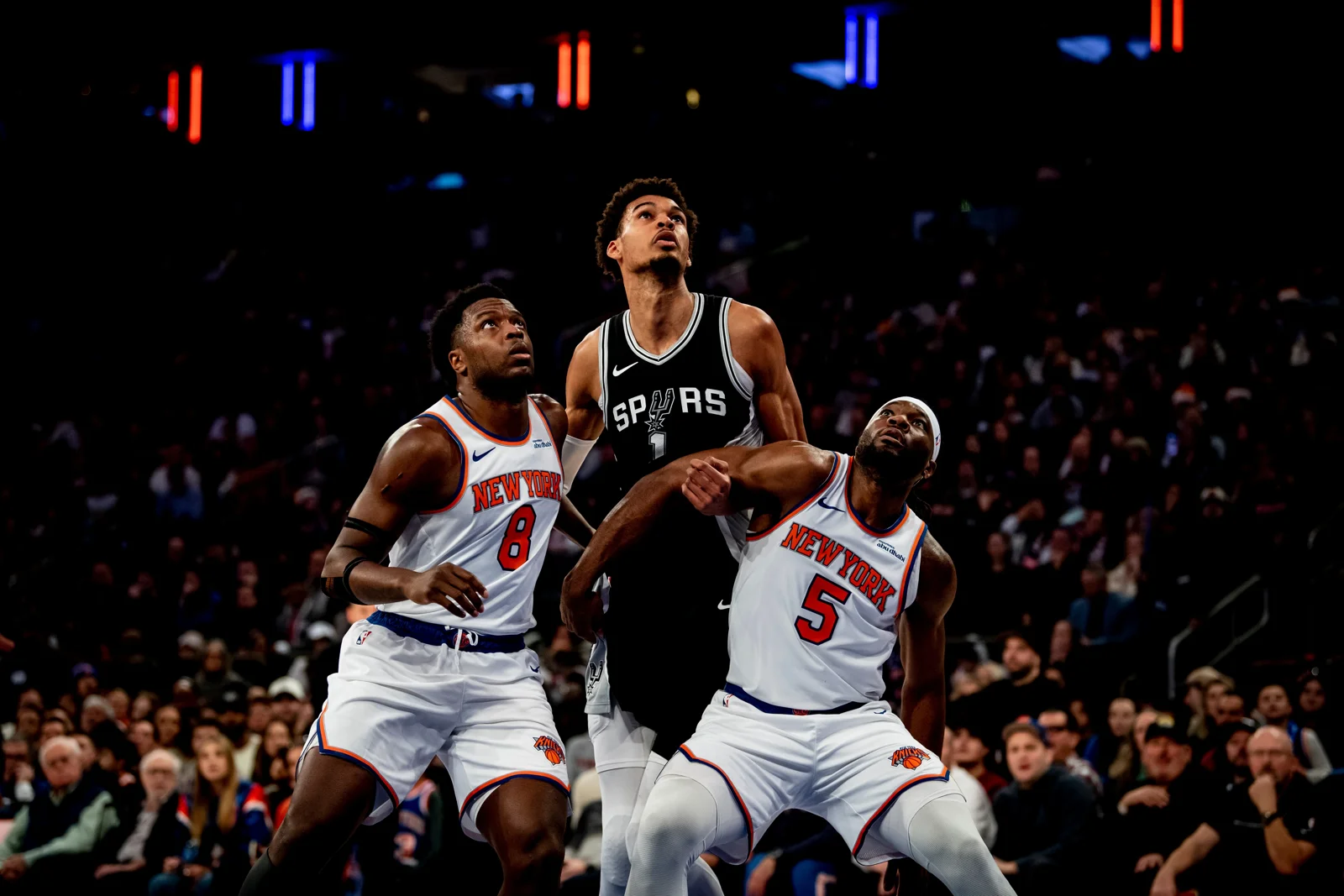
A basketball-first plan needs more than a favorite logo. Decide what you want to learn from the game. Perhaps you want to see how a defense handles a high pick-and-roll, how the second unit survives without its lead creator, or which five players close a tight fourth quarter. Those questions reward watching consecutive possessions. Switching away after every missed shot can leave you with the score but very little sense of why it changed.
The NBA timing rules specify twelve-minute regulation periods and five-minute overtime periods. Neither describes elapsed television time. Fouls, timeouts and other stoppages separate the game clock from your wall clock. Reviews add another variable, as the league's instant-replay rules explain. A late fourth quarter is therefore a poor place to promise that you will be free for another live event in exactly ten minutes.
Give your priority game one of three commitments: full game, closing stretch, or replay. Full game means you follow the rotations and adjustments from the opening possession. Closing stretch means accepting that you will need a box score or short recap to understand earlier foul trouble and substitutions. Replay means protecting the result from notifications until you can watch. All three are reasonable choices; the frustration comes from pretending that constant channel switching delivers the same experience as a full game.
There is a useful basketball reason to protect the opening stretch, too. Coaches reveal initial matchups, defensive assignments and spacing choices before the box score tells you much. If an opponent changes coverage later, those early possessions provide the comparison. For a casual holiday watch party, the fourth quarter may be enough. For a fan interested in a team's progress across the season, the first and third quarters can carry just as much information.
Keep the agreement flexible. A blowout may make a switch comfortable, while a close game may justify staying. Make that decision from the basketball in front of you rather than from a presumed television finish. The holiday schedule creates options; it does not require you to turn every available option into an obligation.
Match the broadcast to the game before buying access
In the United States, the NBA identifies ABC, ESPN and the ESPN App as its Christmas outlets. That is a national broadcast day, so having a package that normally covers your favorite team's out-of-market games does not settle the question. The League Pass blackout guide explains the distinction between national live coverage and League Pass availability. Check the exact game entitlement before paying for an additional subscription.
Football requires its own check. Netflix lists the Chicago and Denver games in its 2026 NFL schedule; the late Seattle game is listed on Fox. An app icon on your television does not prove that your account can play a particular live broadcast. Open the program listing while signed in, confirm the country and plan associated with the account, and make sure the device you intend to use supports that service's live coverage.
Write down three separate answers for each priority game: where it is live, whether your existing account includes it, and what happens if you miss the beginning. The third answer is often overlooked. A live stream, a restart feature, a cloud recording and an on-demand replay are different products. Their availability, retention and supported devices can differ. If your plan depends on watching a whole basketball game after dinner, verify that specific option instead of assuming the live player will still be available.
Our NBA TV schedule helps identify the basketball listings, but the broadcaster's current offer controls access. International viewers should check local rights rather than copy a US shopping list. A service available in one country may show different sports elsewhere, and League Pass restrictions vary by territory. Holiday travel makes this especially relevant: the device may be yours, while the location and network have changed.
Test the practical handoff before guests arrive. Can you switch accounts without a password reset? Is the second screen audible without competing with the main television? Does your household's plan permit the intended simultaneous streams? You do not need the most elaborate setup. One reliable main broadcast and a verified replay option can serve a basketball fan better than three devices that all require attention at the same time.
Build a basketball-first plan for each overlapping window
The following choices are viewing suggestions, not forecasts about which games will be close. Your team's game should usually get the first claim on your attention. After that, select the contest whose basketball question interests you most. A rivalry, a contrasting offensive style or a matchup between contenders can be more rewarding than whichever game happens to have the loudest pregame coverage.
Noon through the early afternoon
If San Antonio–New York is your priority, start there and stay through its conclusion. The Chicago football kickoff creates an early choice, not a natural halftime appointment. The two sports' clocks are independent, and one game's break need not coincide with the other's. A second screen can show the football score without requiring you to leave the basketball broadcast. If football is the household priority, agree in advance to replay the NBA opener rather than argue about the remote once both games are underway.
The afternoon decision
Miami–Boston precedes the Buffalo–Denver kickoff, while Philadelphia–Lakers begins shortly after it. That makes the Lakers game a sensible afternoon anchor for its supporters. Prepare its broadcast before five rather than trusting a football commercial break to remind you. If Boston or Miami is your priority, allow that game to finish on its own terms. A close ending is worth more than mechanically ticking off the opening minute of every subsequent event.
Two evening commitments, then the late game
Oklahoma City–Minnesota and the Seattle football game begin almost together. Choose a primary screen before either starts. A split-screen arrangement works for keeping an eye on two scores, but it can make off-ball movement and defensive positioning harder to follow. Give one broadcast the sound. For basketball analysis, consistent commentary and full-court context usually matter more than seeing every simultaneous picture.
Denver–Golden State is the final NBA appointment. Leave room for it if that is the matchup you most want; an all-day marathon can exhaust your attention before the best part of your personal schedule. There is no obligation to fill every gap with another live feed. A meal away from screens, then a complete late game, may offer a better holiday than spending the entire evening half-watching two contests. Before making the final choice, the NBA team schedules can also put the Christmas matchup in its surrounding season context.
Put both leagues in one dated calendar
Once you have chosen the games, put them beside your actual holiday commitments. Our NBA calendar is a useful starting point for basketball. For the football side, the NFL Christmas Day schedule brings the holiday matchups, kickoff times and television listings together. NFL-Schedule.com is a related tool operated by the same project as this site. We recommend it here for comparing the football windows with your NBA plans; it is not a streaming service.
Give the calendar entries useful names. “Lakers game — watch live” makes a different commitment from “Boston game — replay after dinner.” Add the broadcaster and a link to its program page in the event description. If a family member is handling the television, share that simple plan rather than a screenshot of eight games with no priorities. A shared viewing decision is easier to respect when it explains what each person actually wants to see.
Check the date and displayed timezone after adding the first event. Do this before importing the rest. An Eastern-time listing copied into a calendar configured for another region can create a mistake if you enter it as an unlabelled local time. The late NBA game also falls on December 26 for many viewers outside North America. Use the calendar's location-aware timezone setting and inspect the final local date instead of relying on a remembered conversion.
Know whether you are importing a file or subscribing to a feed. Google's import guidance notes that imported events do not stay synchronized. A subscription can receive updates, but your calendar application controls its refresh behavior. For a single holiday, manually entering three chosen games is perfectly workable. For following a team all season, a subscription is more convenient, provided you still check the current listing before watching.
Set a reminder early enough to finish the previous activity, open the correct app and resolve a sign-in problem. Avoid treating an automatically assigned event ending as a promise that the game will finish then. The calendar should protect your priorities and expose conflicts. It cannot guarantee the length of an overtime game or decide which sport matters most to your household.
Make the final check on Christmas morning
A matchup selected months earlier is not a guarantee that every advertised player will participate. On the day, consult the official NBA injury report and the teams' updates before building your viewing choice around a particular individual. A player's availability, starting assignment and minutes are separate questions. You can still enjoy a game without its expected headliner, but it helps to know whether you are watching the matchup you originally imagined.
Use NBA games today to confirm the day's basketball listings, then check the broadcaster's current program entry. The point is to catch an avoidable mismatch between an old screenshot and the live schedule. Confirm the date, matchup, local start and access on the device that will actually be used. If you have a recording planned, inspect that event too: selecting a pregame show is not necessarily the same as recording the game.
For any basketball game you are saving, reduce spoilers before the first tip. The NBA provides a Hide Scores setting, but score hiding cannot control conversations in your living room, other apps or headlines elsewhere. Turn off result alerts for the postponed game, avoid social feeds, and ask anyone sharing the screen not to announce the outcome. A replay plan works only if everyone understands which result you are trying to preserve.
Choose the replay format that matches your purpose. Highlights are useful for the biggest moments. A condensed version can recover more of the game's flow in less time. A full replay gives you the best chance to follow substitutions, possessions that did not produce a basket and the adjustments that shaped the finish. Check the NBA's replay availability guidance for your entitlement rather than assuming every format appears immediately.
Finally, keep one fallback that does not require another purchase: follow the official result later and watch the available recap. Christmas viewing should leave room for the people sharing the day with you. Protect one or two NBA games that matter, treat football as a chosen addition, and let the rest become optional. You will remember more of the basketball when your schedule gives it your full attention.
Sign in with Google to join the discussion.