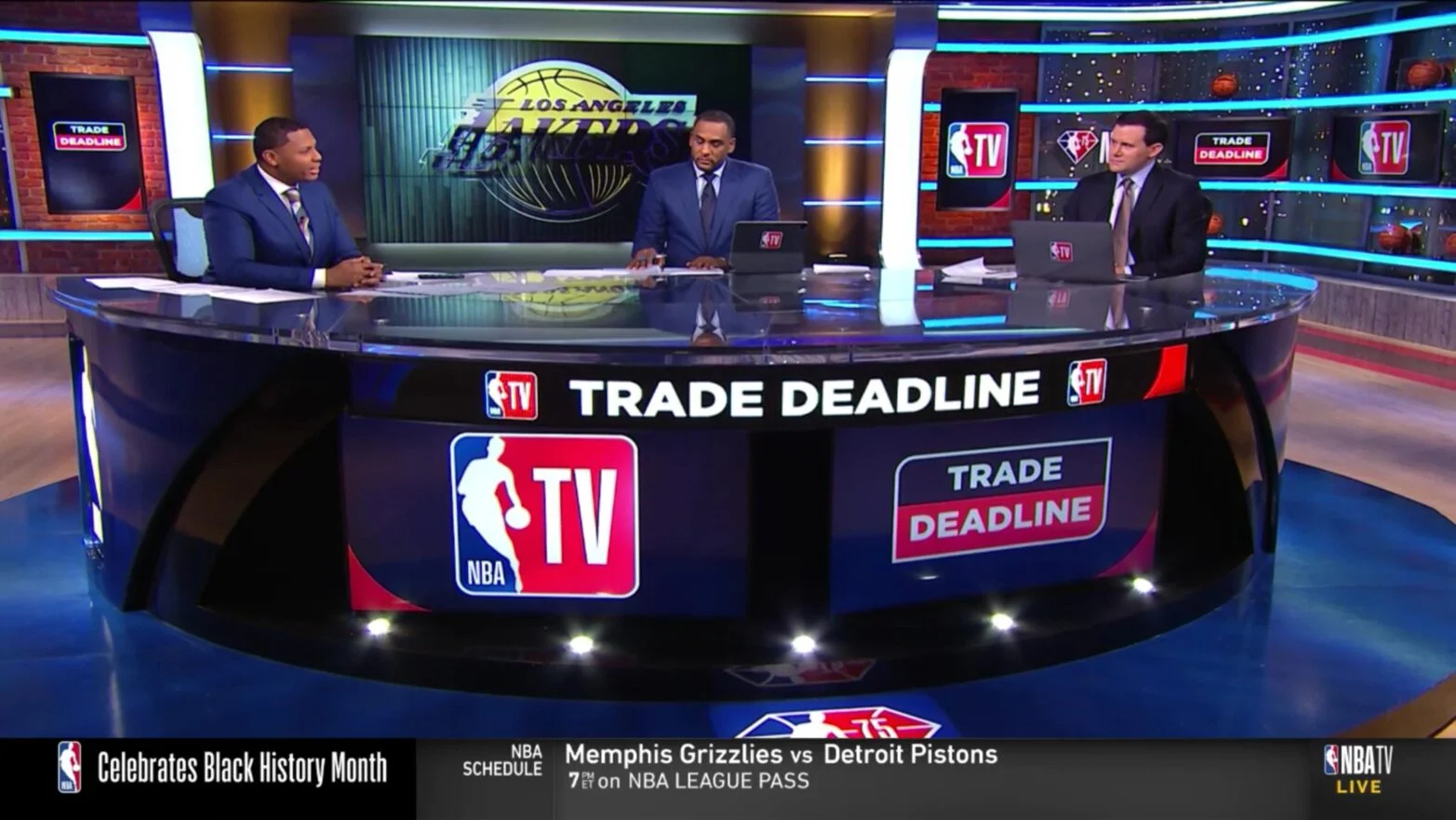
NBA TV is a channel; League Pass is a game subscription
NBA TV gives you a scheduled basketball channel: games selected for that channel, studio discussion and other programming. League Pass gives you a wider selection of eligible out-of-market games and replays. For US viewers, the NBA says NBA TV is included with standard League Pass and Premium, so check your existing entitlement before paying separately for the channel.
That is the central difference when comparing NBA TV vs League Pass. Neither name, by itself, guarantees every live game involving your favorite team. A channel follows its programming schedule. An out-of-market subscription follows game availability and location restrictions. The NBA App can display both, which makes them look more interchangeable than they really are.
| Your question | NBA TV | League Pass |
|---|---|---|
| What am I buying? | Access to a basketball channel and its available programming | Access to eligible games across the league and a replay library |
| Who chooses the live matchup? | The channel's schedule | You choose from available games |
| Does it replace my local broadcast? | Do not assume so | No; US local blackouts apply |
| Do I need a separate NBA TV payment? | Only if you need standalone access | Check included channel access first |
Think about a night with several simultaneous games. NBA TV might be carrying one of them while your preferred matchup is elsewhere. League Pass can be useful for choosing another eligible broadcast, but a nationally exclusive or locally restricted game still requires its own authorized viewing route. Switching tabs inside the same app does not change those rights.
The NBA's channel guide also describes a standalone NBA TV option in the United States. That can suit someone who wants the channel without a broader game package. It should be compared with what your television service already includes, because paying twice for access to the same channel adds no basketball.
This comparison was checked on October 13, 2026 and focuses on US buying decisions. If you live elsewhere, use your country's package screen for availability and price. A helpful question to ask before comparing dollars is: “Do I want whatever is on NBA TV, or do I want to choose which eligible team broadcast to watch?” The answer usually narrows the decision quickly.
Compare the games and features you will actually use
Following one team across the season
If your main purpose is following an out-of-market team, start with its next several games rather than a channel's annual game count. NBA TV may carry selected appearances by that team, but it does not arrange its schedule around your personal watchlist. League Pass is the more relevant product when you want a choice of eligible team broadcasts across the week.
Build a short list with the opponent, start time and broadcaster for each game. A fan following Sacramento from another market, for example, might want routine road games just as much as a high-profile weekend matchup. Those ordinary nights can be the main reason to buy League Pass. A viewer who mostly watches whichever game receives national attention may find that their existing services already cover the evenings they care about.
Use the NBA television schedule to distinguish a game specifically assigned to NBA TV from one available through another national partner. Also confirm your ZIP code's restrictions. A team name appearing in a channel guide is useful planning information, but it is not a personal access guarantee.
Studio coverage, archives and second-screen viewing
NBA TV's appeal includes the time between live games. A studio show can help you follow several developing stories without watching every possession. League Pass serves a different purpose when you want to return to an entire game, compare home and away feeds or watch a condensed version around work. The NBA says edited replays may take several hours to appear; a final score does not mean every video version is already processed.
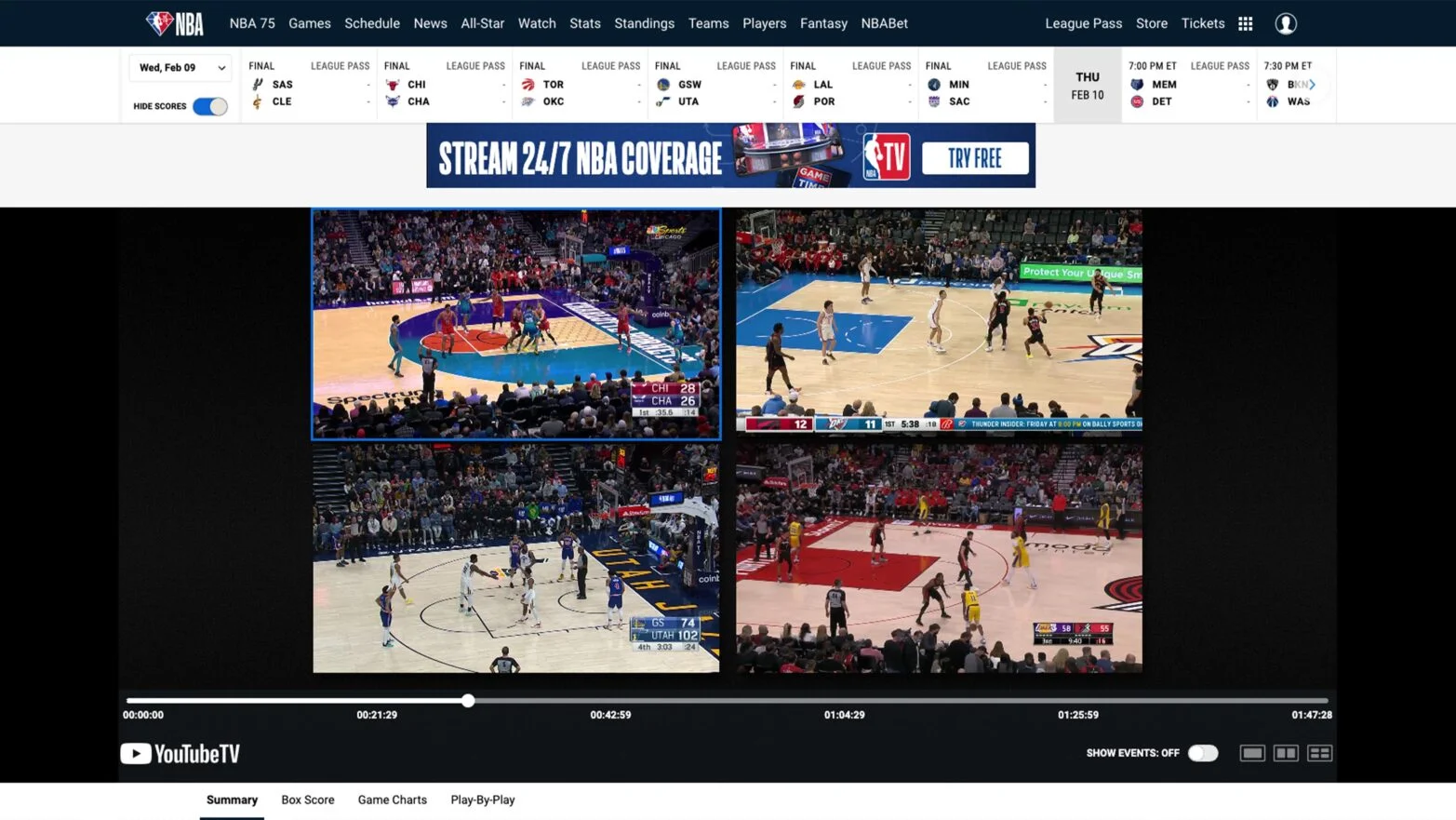
That distinction matters if you enjoy the basketball details. A highlight package shows a made three-pointer; a full replay lets you see the earlier possessions that led a defense to change its coverage. A studio discussion gives context and opinion, while watching the game allows you to judge the sequence yourself. Choose according to the kind of following you actually enjoy.
Premium belongs in this comparison only when you need its extra functionality. The NBA lists three simultaneous devices, mobile downloads and arena content during breaks as Premium benefits. Standard access may already suit a single viewer. Owning NBA TV separately does not create those Premium allowances, and buying Premium should not be confused with adding different live broadcast rights.
How much do NBA TV and League Pass cost?
The US NBA App Store listing checked on October 13, 2026 showed League Pass at $16.99 monthly and $109.99 for its listed annual product, with Premium at $24.99 monthly and $159.99 annually. Treat those as identified storefront prices, then confirm the product and billing term in your own checkout. Currency, promotions and the seller can change the comparison.
For standalone NBA TV, the NBA's current support article directs US buyers to the “More Plans” area of its package page but does not publish a fixed dollar price in the help text. The App Store also lists an NBA TV Monthly product; that catalog entry is not enough to establish a universal NBA.com rate or an offer available to every account. Use the amount actually displayed for your selected purchase route.
| Option | Price evidence to use | What to avoid |
|---|---|---|
| NBA TV already in your TV package | Your existing channel lineup and bill | Buying another subscription without testing access |
| Standalone NBA TV | Your current NBA or provider checkout | Treating an old launch price as today's offer |
| League Pass | US monthly listing $16.99; confirm your term | Adding a second NBA TV fee automatically |
| League Pass Premium | US monthly listing $24.99; confirm your term | Assuming the upgrade removes blackouts |
Compare incremental cost. If you already pay for a television package that carries NBA TV, keeping that channel may add nothing to this month's bill. If you need to move to a more expensive bundle solely for NBA TV, the relevant cost is the bundle increase. A channel described as “included” can still require an upgrade from your current tier.
Likewise, compare a standalone channel quote with League Pass over the same number of billing cycles. Do not place a monthly amount beside a season payment and decide from the smaller number. Write down the first charge, subsequent charge and expected number of renewals. When a promotion ends before your intended viewing window does, include the later price in the calculation.
Older NBA TV articles remain searchable and can contain launch-era rates. They explain the service's history, but your bill is determined by today's offer. Save the confirmation screen and receipt so you can verify the tier and seller later, particularly if a package name is shortened on your bank statement.
Why a game can still be unavailable
The most frustrating buying mistake is assuming that a second NBA-branded subscription will unlock a game blocked on the first. Sometimes the missing piece is a different broadcaster's rights, rather than a higher NBA tier. Diagnose the reason shown on the game page before choosing an upgrade.
Local rights and national broadcasts
The NBA says an NBA TV game that is also available through a local cable provider follows local blackout rules. In other words, the fact that NBA TV carries a matchup does not necessarily make that feed available inside the participating team's local territory. League Pass also applies US local-team restrictions. These products do not simply cancel out one another's exclusions.
A Lakers fan in the team's home television territory may need the eligible local service for a locally carried game. The NBA's Spectrum SportsNet+ guidance treats that service separately from out-of-market League Pass. If the same team appears in an exclusively national window another night, the viewing route can change again. It is normal for one team's week to require more than one channel or service.
For national games, the NBA's current US blackout guide names ESPN, ABC, NBC, Peacock and Prime Video as viewing destinations. Check the specific game and the package required by its broadcaster. Having a service's app installed is not proof that your account includes the relevant live feed, just as having the NBA App installed is not proof of a League Pass subscription.
If watching later works for you, the league lists nationally restricted full replays for 6 a.m. Eastern the following day and locally restricted replays three days after the game concludes. Those delays can make a replay-centered plan useful, but they may be a poor fit if you discuss the game live with friends or want to avoid knowing the result.
Before an important night, check today's game listing, then confirm the access message inside the authorized app. When travelling, repeat the check for the location where your device will actually play the video. If the app identifies your location incorrectly, contact support with the game, device and error details. Buying another package before establishing the problem can leave you with an extra bill and the same unavailable game.
How to activate the access you already bought
Direct NBA and app-store purchases
For a subscription purchased on NBA.com, sign in using the NBA ID associated with the transaction. Check the subscription details under your account before opening the game. A second NBA ID, even one you use regularly for scores or newsletters, will not automatically show a purchase attached to another email address.
For Apple or Google purchases, the NBA's syncing instructions direct you to the account's subscription area and the restore-purchase option. Use the purchasing store account on the device, then restore the entitlement to the intended NBA ID. Complete the confirmation rather than immediately selecting a new plan when the app displays a paywall.
Make one controlled test after restoring access. Open the NBA TV channel if that is the entitlement you bought, or choose an eligible League Pass game if you bought the wider package. Testing unrelated paid content can create a misleading impression that the entire subscription is broken. If one stream plays and another is restricted, return to the access message for that specific game.
Television providers and partner subscriptions
A package purchased through a participating television provider uses provider authentication. The NBA's current sign-in guide directs mobile users through My Account, Subscriptions and Already Purchased, then the provider selection. Sign in with the provider credentials; your NBA password does not replace them.
Prime Video has a dedicated linking option in that flow. That is different from simply typing an Amazon email into an NBA ID sign-in form. Follow the partner-specific process and confirm the connection completes. If you cannot see your provider, check the supported list and contact support with proof of purchase instead of choosing another company's logo to get past the screen.
The NBA notes that some US provider purchases can take up to three days to activate on its digital platforms. Set up access before the first game you intend to watch. Keep the receipt and the exact package name, particularly when the television seller markets NBA TV and League Pass as separate items in its own account screens.
Billing stays with the seller that collected the payment. Linking an account makes an existing entitlement usable on supported platforms; it does not move the original bill or convert channel-only access into a broader package. If you want to upgrade, compare the seller's terms and make sure you are changing the existing subscription rather than creating an overlapping one.
Which option fits your next month of basketball?
Choose NBA TV access when you specifically want that channel's mix of selected games and programming and do not need to choose from the wider nightly schedule. First check whether it is already included in your television package or League Pass account. A standalone purchase makes the most sense only after that existing-access check and a look at the channel's upcoming games.
Choose standard League Pass when your main goal is watching eligible out-of-market games that are not already covered by services you use. It is particularly relevant when ordinary midweek matchups, alternative team feeds and full replays matter to you. Premium is an additional feature decision within that choice, rather than a necessary step for every serious basketball fan.
Choose a local or national broadcaster's appropriate package when the games you care about are restricted on League Pass. Neither a standalone NBA TV subscription nor a Premium upgrade is a substitute for the required live rights. If your entire watchlist consists of those games, deal with that access first before adding a broader subscription.
A simple worksheet helps keep the decision grounded. List ten games or shows you expect to watch next month. Next to each, put the service you already have that supplies it, whether live viewing matters, and any extra payment needed. Leave uncertain entries blank until you check the actual game or program page. Count the blanks rather than assuming the most expensive bundle fills them.
Then consider your available time. Someone who reliably watches two late games each week may get considerable value from a game library, even without watching the whole league. Someone who has half an hour after work may prefer recaps and studio coverage. Neither habit is less committed fandom; the right purchase is the one that fits how you follow basketball.
Run the same exercise again before a renewal if you move, change television providers or reach the postseason. Your regular-season solution may no longer match the next month's rights or routine. Keep a note of the seller and next billing date so that changing your mind does not turn into an account-recovery task at tipoff.
The purchase is ready when you can name the content you are paying for, the device you will use and the games that remain outside the package. NBA TV and League Pass can work together because one is included within the broader offer, but you should only add a new payment when it supplies something your present access lacks.
Sign in with Google to join the discussion.