
Which YouTube product has the NBA game you want?
Searching for an NBA game on YouTube can produce several different experiences: a free video uploaded by the league, a live television listing inside YouTube TV, a separately paid Primetime Channel, or an old tutorial for a subscription that the platform no longer sells. Start with the actual matchup and date. A video called Lakers versus Warriors might be tonight's live television event, last season's highlights or a classic game uploaded years after it happened. The team names alone cannot tell you which one you found.
Regular YouTube is the video platform where the NBA and teams publish authorized clips, interviews and selected longer videos. YouTube TV is a separate television subscription with channels determined by the plan and location. A channel listing is useful only when that channel carries the particular game you want. NBA TV, ESPN's NBA Today and an NBA basketball event are different listings; selecting one does not unlock the others.
Check the actual benefits attached to YouTube Premium
YouTube Premium and YouTube TV are separate memberships, according to Google's product documentation. Removing advertisements from ordinary YouTube videos does not, by itself, establish access to a live NBA telecast. Paying for both products also does not remove the commercial breaks built into television coverage. Before upgrading, look at the entitlement that appears on your own account rather than assuming the word Premium means every sports channel.
There is an additional wrinkle for 2026. NBCUniversal's July 27 announcement schedules the U.S. YouTube Premium and Peacock Premium bundle to begin in early 2027. At this guide's October 19, 2026 cutoff, that is a future benefit. Check your account's eligibility and activation when the rollout arrives; the announcement does not establish that a Premium membership already unlocks a Peacock NBA game. Peacock's rights would still cover only its portion of the NBA schedule.
A paid option already exists inside regular YouTube: Peacock Premium Plus became available through YouTube Primetime Channels in June 2026. Open the Peacock channel's offer and confirm the relevant NBA event, subscription tier and billing before subscribing. This separate purchase is different from the future Premium bundle and from YouTube TV's channel package. If you already pay for Peacock elsewhere, check that existing access first so that changing the app you use does not create an unnecessary second subscription.
A practical test is to write down what you are trying to buy: tonight's live game, tomorrow morning's complete replay, or ten minutes of highlights. Those are different purchases, and the last may require no purchase at all. Our 2026-27 NBA streaming guide explains the broader network map; this guide focuses on making the correct choice when YouTube is your starting point. Keep the game's date visible while searching, especially around preseason and opening week when archived results can resemble new listings.
Find the authorized live broadcaster before opening a stream
Open the NBA television schedule and identify the broadcaster attached to the matchup. Then compare that listing with the channels actually available in your YouTube TV plan and ZIP code. A subscription advertising basketball can carry many NBA games while missing the one you want. The NBA's own game listings and Tap to Watch links are useful cross-checks when a search result sends you toward a generic signup page.
National games and local games follow different routes
The national partners for 2026-27 are Disney's ABC/ESPN, NBCUniversal and Amazon. For NBCUniversal games, check NBCSN as well as your local NBC station. NBCUniversal launched NBCSN first for all YouTube TV subscribers in November 2025, with Monday NBA games among its programming. The NBA's 2026-27 schedule announcement says Peacock-exclusive games are also presented on NBCSN. Find that game's NBCSN listing and check your current plan before paying separately for Peacock.
This is linear television access through a participating distributor; it does not turn every Peacock program into part of YouTube TV or make the broadcast free on regular YouTube. Channel lineups can change, so inspect the guide attached to your account. A Prime Video-exclusive game follows Amazon's viewing route instead. Confirm the specific event and subscription there rather than assuming an NBCSN or ESPN entitlement covers it. The relevant boundary is the game's actual distribution, not merely the streaming brand named in a promotional headline.
Local coverage creates another boundary. Imagine a fan living in Los Angeles who wants a non-national Lakers game and a fan in another state searching for the same matchup. Their available services can differ because local-team rights depend on location. Verify the team's authorized local television or streaming option before assuming an out-of-market product will solve the problem. The opponent, date and viewing location all matter; the team's popularity does not change those rights.
Why old League Pass add-on instructions fail
NBA League Pass is no longer offered through YouTube TV or YouTube Primetime Channels. Google's current U.S. help notice dates the removal to September 30, 2025 and includes existing League Pass recordings. An older video telling you to open Membership and add League Pass describes a previous product arrangement. A generic landing page or historical provider list should not override that specific notice.
For current League Pass access, start with NBA.com or the NBA App, or inspect the available Prime Video and participating television-provider options. League Pass still has blackout restrictions. If you previously bought through Google, check your receipt and subscription history before buying again elsewhere. Do not assume an old purchase migrated automatically, that a new NBA login restores a removed Google recording, or that canceling YouTube TV cancels a separate subscription billed by another company. Resolve the existing billing relationship first, then choose the service that actually carries your game.
Watch an NBA game through YouTube TV
Once you have confirmed that YouTube TV carries the required channel, open the YouTube TV app or tv.youtube.com and sign in with the account holding that membership. A television can also have the ordinary YouTube app installed, so check the application name before troubleshooting a missing channel. On a shared household screen, verify the selected profile as well; the wrong account can make an existing subscription look absent.
- Search for the team or the exact matchup, then check the date and scheduled channel on the event card.
- Use the Live guide to open the channel if the game is already airing. If you customized the guide, make sure the network has not been hidden.
- Read the event label before selecting it. A studio discussion, condensed recap and live NBA telecast can use similar team artwork.
- Check the playback choices if you arrive late. Select the beginning when that option is offered and you want to avoid joining halfway through the fourth quarter.
- Test the stream on your intended screen before tipoff, rather than discovering a device or sign-in problem during the opening possession.
For an ESPN doubleheader, the first game can run beyond its scheduled finish. Follow the broadcaster's live instructions if coverage moves temporarily to another channel. A fixed search card may lag behind that change. Keep the network guide available and avoid repeatedly buying access: a scheduling overrun and a missing entitlement are different problems. The same principle applies when a pregame show still occupies the screen shortly before the listed start.
Device support should be checked against Google's current compatibility page. A phone, smart television and browser can expose different controls, even when the membership is the same. If the game plays on one supported device but fails on another, inspect app updates and the device's location permissions before concluding that the NBA has blacked out the matchup. Record the exact error message; it is more useful to support than simply saying basketball is missing.
Choose a plan around the games you will actually watch. Make a short list of your favorite team's next national appearances and local games using the team schedules, then compare the required channels with your local lineup. This turns a broad channel-count advertisement into a concrete viewing decision. Trials, promotions and channel packages can change, so read the checkout terms attached to your account before committing.
Find legitimate free NBA videos on regular YouTube
Start at the NBA's official YouTube channel or a team's channel reached through its official website. Search inside that channel for the matchup, season and format you want. This is more reliable than trusting a search thumbnail containing a television logo or the word LIVE. Read the uploader's identity, description and publication date together. A scheduled premiere of an old game is still an old game, even if viewers are chatting while it plays.
Official highlights are useful when you want a quick account of a game you missed. Interviews and press conferences add context that a box score cannot provide. Selected historical uploads can also be excellent film study. What you should not infer is that a channel publishing free NBA material holds a free live feed of every current matchup. Check the description for the actual event and authorized broadcaster before planning your evening around it.
A full game is different from full-game highlights
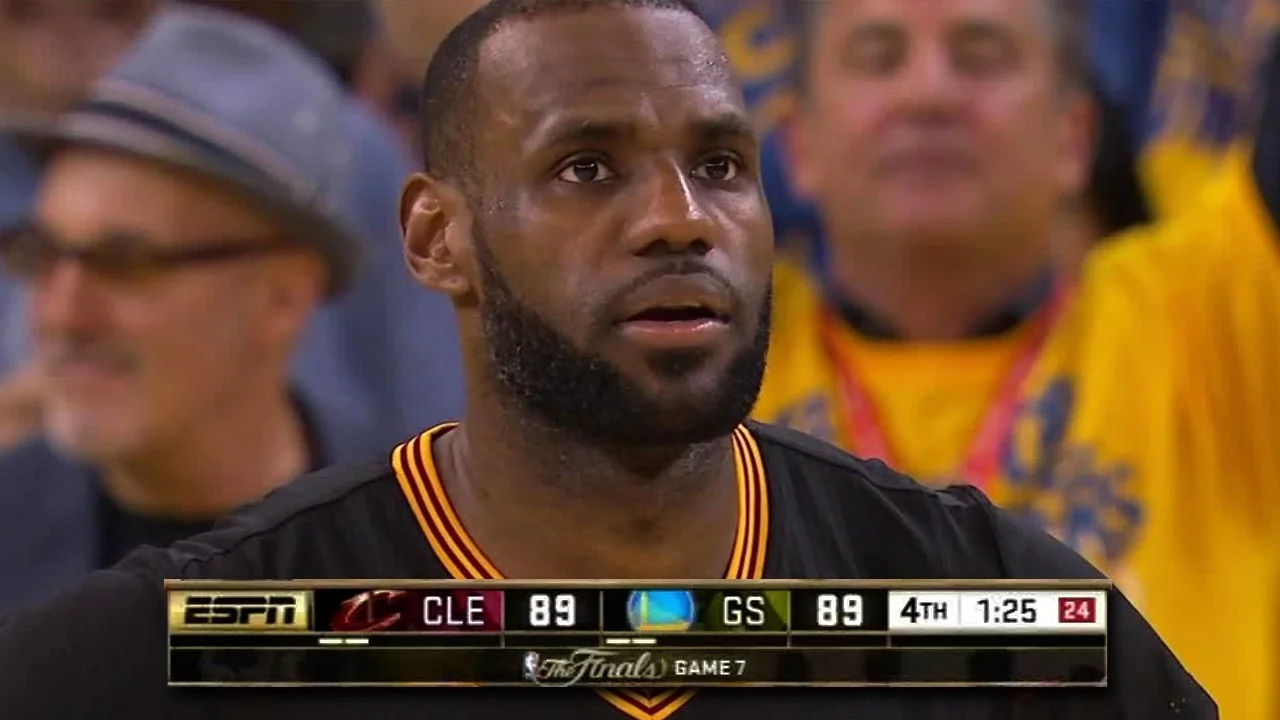
The phrase full-game highlights usually describes an edited selection covering the whole contest. It does not promise every possession. An instructive example is the NBA's verified upload titled FULL ENDING: Game 7 of the 2016 NBA Finals. Its description identifies the closing minutes of that historic game. It is authentic NBA video, but it is neither a complete replay nor a live 2026 game.
That distinction matters if you are judging how a team played. A highlight edit can show a made three after a timeout while omitting the defensive possessions and substitution that made the shot possible. It can leave out repeated failed attacks against the same coverage. For a tactical question, check whether the video includes the opening tip, successive possessions, quarter transitions and final buzzer. Duration is a useful clue, although edited breaks mean it is not proof on its own.
If YouTube does not have the complete historical game, try the NBA's official classic-game collections. The NBA Help Center describes free access to selected classics with an NBA ID. That offers a legitimate alternative without promising a complete free archive on YouTube. For a recent matchup, use a broadcaster replay or League Pass where eligible; our yesterday's results and recap guide explains how to identify the correct game before choosing its video version.
Record games and protect a spoiler-free replay
For fans who cannot watch at tipoff, recording is often the most useful part of a television subscription. It preserves the actual broadcast you were entitled to receive rather than requiring a separate search for a full-game upload afterward. It also lets you decide whether to watch every possession or skip breaks. Set it up while looking at the upcoming event, then confirm the game appears among scheduled recordings.
Add the team or event before tipoff
Google's recording instructions use the Add control beside a sports team or event. Adding a team can help with a season-long routine; adding a specific event suits a neutral fan following one playoff matchup. Do it before the broadcast starts. Google warns that adding a program while it is in progress starts that recording from the time you added it, so a late decision can leave the first quarter missing.
A useful weekly habit is to review the next several games and verify that their scheduled recordings appear under the right account. Do not assume following a team on ordinary YouTube adds games to YouTube TV's DVR. They are different actions. If you also want the pregame analysis or late postgame show, check those listings separately instead of assuming that the game recording contains every surrounding studio segment.
Choose the recording rather than the wrong video version
Open Library and select the correct matchup and date. Where the interface offers multiple versions, inspect them before playback. A broadcaster's on-demand version can have different advertising behavior or editing from your DVR recording. Google's support guidance directs viewers to Choose a version when a DVR option is available. If the contest went to overtime, check the recording's ending before assuming a missing final stretch is simply an NBA replay delay.
Use the available score-hiding setting before browsing a team page, but treat it as one layer of spoiler protection. Phone alerts, recommendation thumbnails, messages from friends and another app's scoreboard can still reveal the result. For a late West Coast game, silence sports notifications before going to sleep and open Library directly the next morning. Avoid the Live channel unless you want the current program rather than last night's matchup.
A recording is not a permanent personal archive. Retention, subscription access and rights restrictions still apply, and Google's League Pass removal specifically affected that former product's recordings. If a saved game disappears, first identify which product supplied it. That question is more useful than repeatedly searching for the title under a different spelling.
Fix missing games, location errors and misleading live searches
A missing game usually falls into one of four categories: wrong event, wrong subscription, location restriction or playback failure. Diagnose them in that order. First compare the matchup, date and broadcaster with the official schedule. Then confirm the correct YouTube TV account and plan. If the game belongs exclusively to another service, reinstalling the app will not add those rights. Look for the authorized alternative rather than spending the first quarter refreshing a channel that cannot carry it.
For a location message, review both Home Area and Current Playback Area in account settings. They answer different questions: where you normally live and where you are watching now. Follow Google's current verification instructions on the affected device and allow the required location permission. A temporary trip is not automatically a reason to replace your home area. Local affiliates, regional networks and national channels can behave differently while traveling, so read the specific restriction displayed on the game.
If you are entitled to the event but the player buffers or crashes, test another program on the same device. Then try the game on another supported device using the same account. That comparison helps distinguish a network or hardware problem from a game-specific access problem. Update the app, restart the player and reduce video quality as appropriate. If you contact support, provide the event date, channel, device, location error and what played successfully; avoid sending payment details in a public help thread.
Regular YouTube requires a different check. A stream can be live because a creator is reacting to a scoreboard, playing a basketball video game or discussing the matchup. Look for actual authorized game footage and a clear uploader identity. A large live viewer count and an NBA-branded thumbnail do not establish that the video is the television broadcast. Save the league or team's official channel so you can return without repeating an ambiguous search.
Before the next game, keep a simple three-part note: which service carries it, whether you want live viewing or a replay, and which account has access. That small preparation is especially helpful across a playoff series whose network assignments change. YouTube can be an excellent starting point for NBA video, but the reliable route to an actual game always begins with its broadcaster, viewing location and current product rights.
Sign in with Google to join the discussion.